Start / Products / Home Automation / IP Video Door Station T24 / Configurator T24MX - MOBOTIX

Configurator T24MX - MOBOTIX

Camera Modules

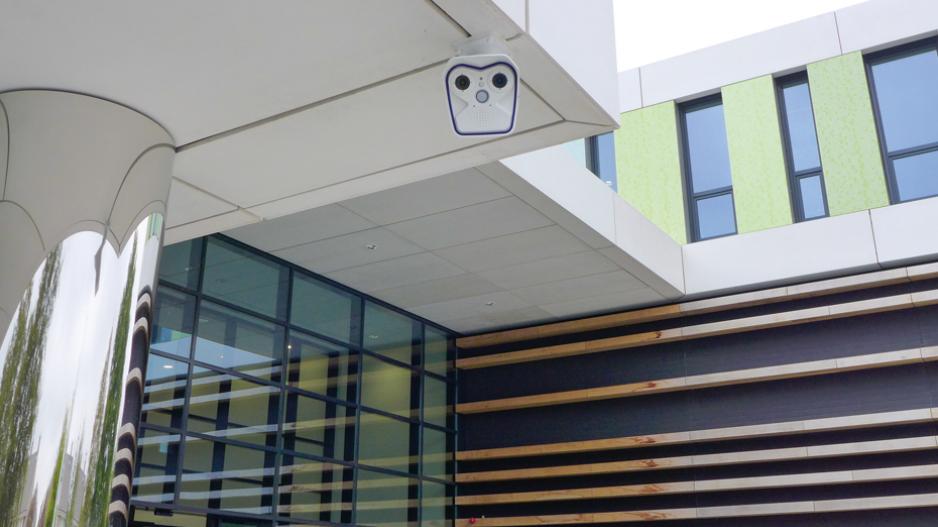
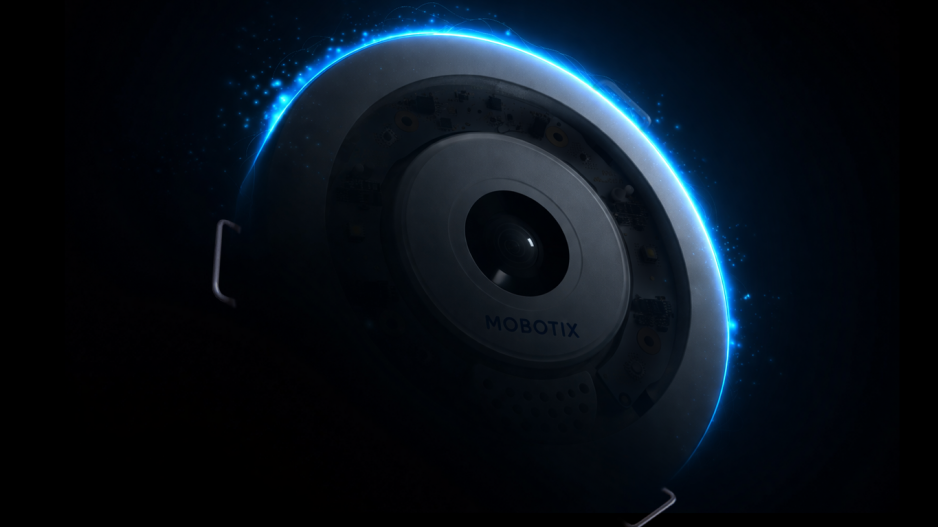
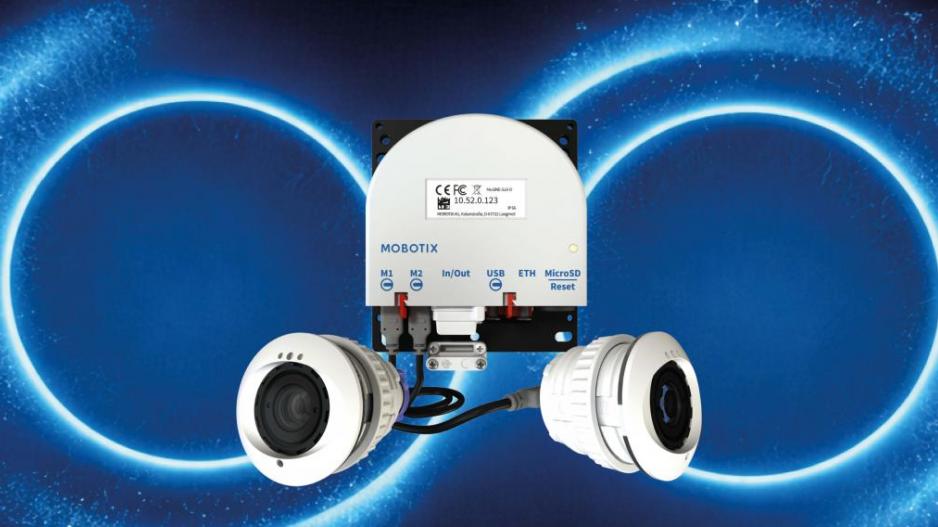
This high-resolution hemispheric door camera with integrated 4 GB data storage for long-term recording records the entire entrance area. No blind spots from wall to wall and from floor to ceiling. The camera can record events automatically including lip-synchronous audio. Thanks to the integrated doorbell and light buttons the camera module in connection with a remote video phone can be used as a fully functional compact video door station.


Video IP Door Station
The camera module with a 3.1 megapixel color sensor supplies highly detailed images - in case of normal lighting conditions even at night.

Connection Of Outdoor Modules

A particular advantage of the T24 is the minimal amount of cabling involved – either a standard Ethernet cable (for example, CAT7) or existing bell wire is sufficient to connect the door station to the network in the building and to supply it with power. Only a PoE switch is necessary to connect remote stations (VoIP video phone or computer) and supply power. The PoE switch can be located in an electrical cabinet, for example.

Network cable The door station is directly connected via network cable (e.g. CAT7) with a PoE switch and the remote stations in the building (recommended for new buildings or buildings under construction respectively).
Two-wire cable (Mx2wire technology) To use an existing two-wire cable for the connection of the IP video door station, it is necessary to install an Info2wire module in the outdoor station and a second Mx2wire unit in the building. When you selected the two-wire connection, this configurator, therefore, adds the Info2wire module automatically.

Housing And Colors

At this point you can choose on-wall installation or flush-mounting.

on-wall
in-wall (also for hollow spaces)


Select your individual door station from 5 high-quality color coatings for modules, housings and frames. Other colors are available on enquiry at an additional price ex works. Please note that door stations of other colors than white or silver must not be exposed to direct sunlight (dark surfaces may overheat).

white - PW (RAL 9016 silk mat)
silver - SV (RAL 9006)
amber - AM (special painting)
dark gray - DG (DB 703)
black - BL (RAL 9005 silk mat)

Access modules

In case you want to call just one appartment, you can use the call button of the camera module. For a keyless and scheduled access the keypad can be used, to display the name or the house number we offer an info module.

In case you want to call separate areas in a house (e.g. office and private), it is possible to integrate the call button modules from Siedle.

These modules can be ordered directly from MOBOTIX in the color you selected in step 3. For the operation of call button modules an external 12 V AC power supply has to be connected with the IO module. (Power supply not available from MOBOTIX).

Note: The T24 system is designed to support the setup and use of multiple doorbells for different areas in single-family homes (e.g., areas for both personal and commercial use). For the purposes of data protection, we do not recommend using this product in multiple-family homes or multi-tenant buildings. Currently, it is still possible to use one remote station to access the camera recordings and voice mailboxes from all other remote stations and therefore from other users (families, tenants).


Keypad Module
Keyless and scheduled access. This requires the user to enter a code, or it can open the door in response to an RFID transponder card. The voice mailbox can also be operated via the keypad.

MOBOTIX recommends: In connection with the Keypad the Security Door Opener should be used.

Module 2 call buttons
For connection with the T24 the IO module (MX-OPT-IO1) is necessary and will be added to the part list automatically.

Further Modules For Outdoor Installation

Please note that your door station automatically comes with an info module (with integrated, non-visible Mx2wire technology) in case you have selected the connection via two-wire cable in step 2.


Info Module Mx2wire

The info module with Mx2wire technology and a second Mx2wire unit for mounting inside the building offers users not only the standard info module functions but also the option to connect and supply power to the door station via two-wire cabling instead of a network cable.


Info Module

This module can be designed individually, so that it displays your name and/or house number. It is a weather-proof, long-lasting, module which disposes of energy-saving LED backlighting.

Modules For Indoor Installation

MOBOTIX recommends the GXV3140 from Grandstream as a remote video station for the T24 door station. This modern IP video telephone is based on the world standard in telephony, VoIP/SIP with H.264, and provides a large color LCD display with excellent image quality. The device is conveniently operated via a MOBOTIX on-screen display user menu. Please note that the app for the operation of the T24 with iPhone/iPad is not yet available.

Quantity:


Grandstream IP Videophone GXV3140
The number of remote video phones per door station is not limited.

Security Door Opener
Perfect add-on to the T24: the multi-functional Security Door Opener

  • Door bell with variable volume
  • Various ring tones available
  • Easy connection to Keypad via Mx2wire
  • Connection of standard door opener (6 to 12 V AC, min. 10 Ohm) w/o sep. power supply
  • Connection of door opener and door bolt contact
  • Remote door opening function even in case of power failure (integrated battery)
  • Tamper-proof (briding of connector cables not possible)
  • Status display with LED (e.g. door locked, new messages on mailbox, missed call)

We would like to draw your attention to the fact that there also exists a complete starter kit which includes

  • T24M Hemispheric camera
  • Keypad incl. 1 admin and 6 user badges
  • Infomodule with Mx2wire technology
  • Triple frame with theft protection
  • Security Door Opener with different frames
  • All Frames for in-wall or on-wall installation
  • USB stick, pen for plastic film
  • Various mounting material
Use the starter set


* 2008/06 • MSRP (Manufacturer's suggested retail prices) • Prices ex works Langmeil, Germany (EXW) • Excluding VAT and any other handling charges • Information subject to change without notice!

The frame can also be installed horizontally. In this case the camera must be positioned on the left side.